How to Keep Track of Inventory for a Small Business
TRAIL Guides · Updated July 2026 · By the TRAIL team

To keep track of inventory, record every item in one shared system, set a minimum level on each, and log stock in and out as it moves. If you do that consistently, you always know what you have, what it's worth, and what needs reordering. No spreadsheet formulas involved.
Below is the six-step version of that system, done in the TRAIL inventory tracker app.
Step 1: Count and photograph everything once
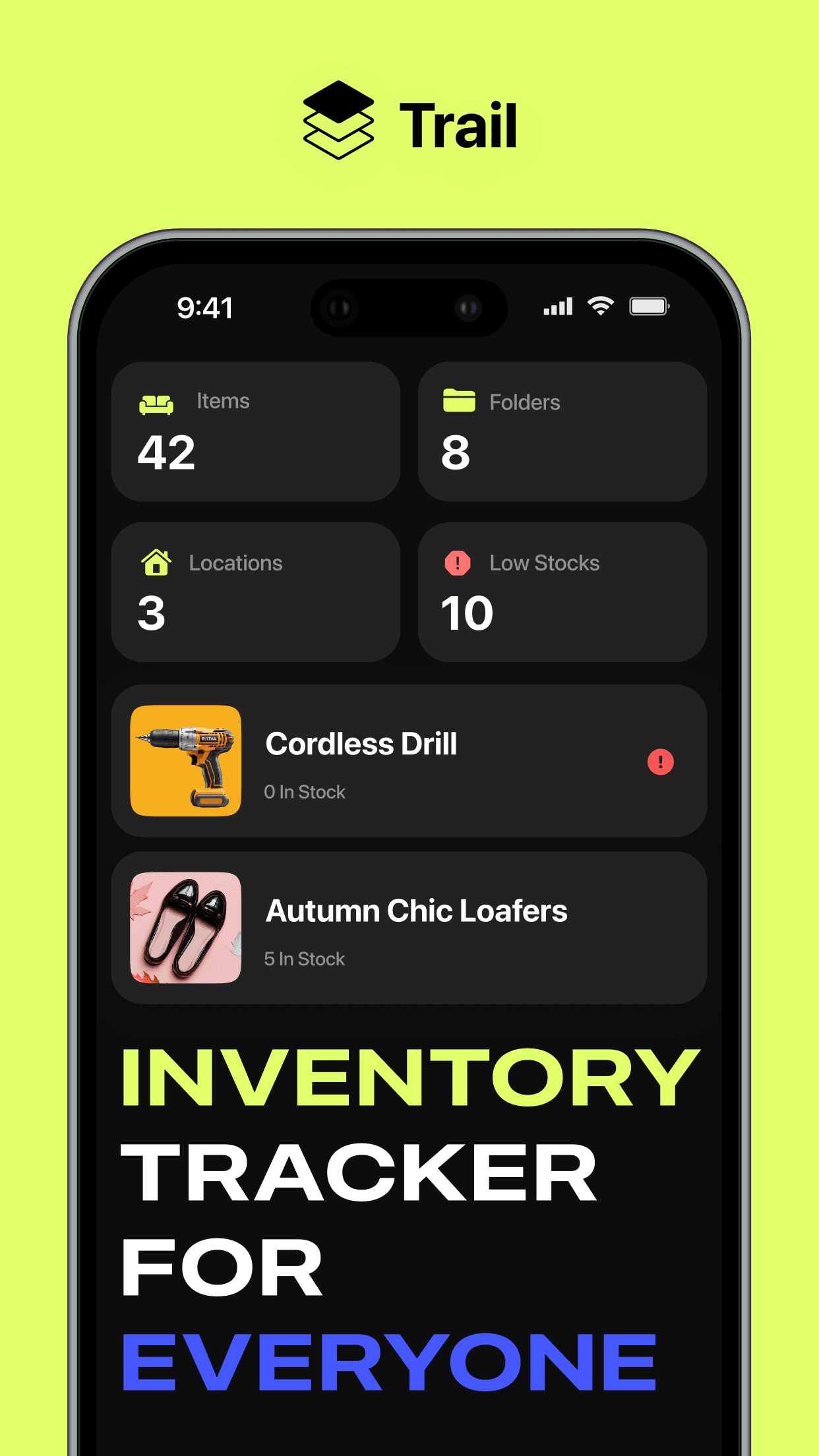
Set aside an afternoon and walk your stockroom shelf by shelf. Add each product to TRAIL as you go: photo, name, quantity on hand. The photo earns its keep the first time a new hire asks which product "the beige loafers, size 8" refers to.
Products with barcodes go faster. Open the scanner in TRAIL, point your phone camera at the code, and the item registers in a couple of seconds.
Step 2: Organize with folders and locations
Group items into folders that match how you already think about your stock, such as "Tools", "Autumn Collection" or "Packaging". Then give each item a physical location: a shelf, a bin, a storage unit across town. When a customer wants something the shop floor ran out of, the app can tell you there are five more units in Birmingham before they walk out the door.
Step 3: Add prices and know your inventory value
Enter a price on each item and TRAIL keeps a running total per item and across everything you own. That number matters at tax time and for insurance. It also has a way of revealing uncomfortable facts, like $4,000 sitting in a product that stopped selling in March.
Step 4: Set a minimum level on every item
Give every item a min level, meaning the quantity at which you want to reorder. When stock reaches it, TRAIL sends a push notification. Bestsellers deserve a generous buffer. Slow movers can sit at 1, since you only need to hear about the last one leaving. The low stock alerts guide covers how to pick the number.
Step 5: Scan stock in and out as it moves
When a delivery arrives, scan it in and add the quantity. When three units sell, deduct three. Each update takes seconds and syncs to every device, so whoever opens the app sees the current count. TRAIL supports up to five members, which means the person unpacking boxes can do the updating instead of everything routing through the owner.
Step 6: Review the transactions log weekly
Once a week, open the transactions view. Every inflow and outflow is grouped by date with the name of whoever made the change. Ten minutes of reading tells you what's selling, what's sitting, and whether anything is quietly disappearing. Most owners who do this stop needing the dreaded quarterly all-hands stock take.
Put your inventory on autopilot
TRAIL gives you unlimited items, barcode scanning, low stock alerts and a 5-person team. Free to start.
Why not just use a spreadsheet?
A spreadsheet works fine up to around 50 items, as long as only one person edits it. Past that point the typos and stale counts start costing real money, and a spreadsheet will never tap you on the shoulder before you sell out. There's an honest comparison in Inventory Spreadsheet vs. App.
Frequently asked questions
How often should a small business count inventory?
A full physical count once a month or once a quarter is enough if you track day-to-day movements in an app. TRAIL logs every addition and deduction, so the count in the app rarely drifts far from what's on the shelf.
What's the cheapest way to track inventory for a small business?
A free inventory app. A spreadsheet is also free, but one missed reorder usually costs more than a year of app subscription, and spreadsheets can't warn you before you run out.