How to Create & Print Barcode Labels for Your Products
TRAIL Guides · Updated July 2026 · By the TRAIL team
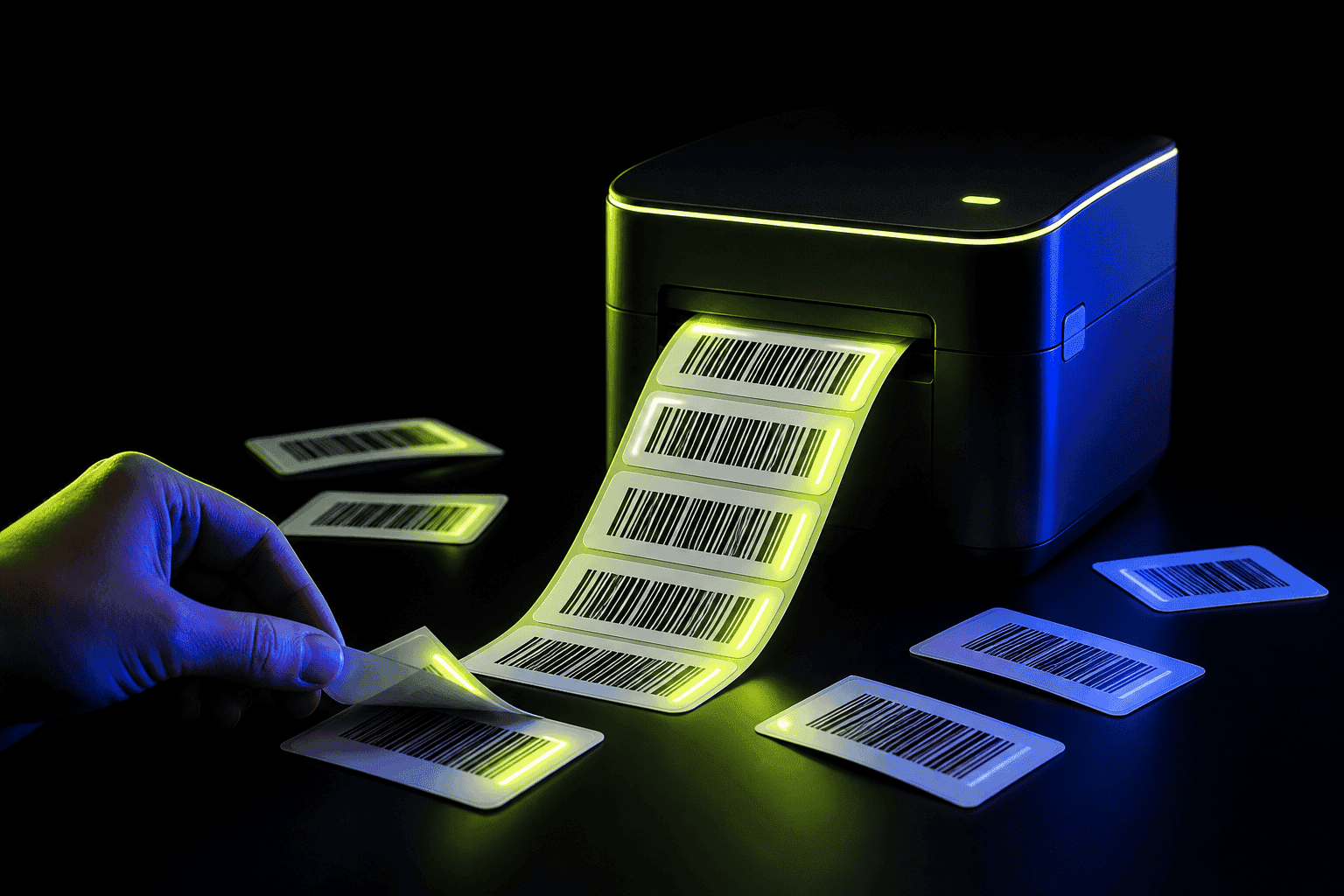
You don't need a label company or design software to put barcodes on your products. TRAIL generates a unique barcode for every item you add, ready to download and print. That single feature turns unlabelled stock, whether handmade products or vintage finds or anonymous storage bins, into things you can scan.
Who needs to generate their own barcodes?
- Makers and crafters. Products born in a studio don't come with a UPC.
- Resellers. Thrifted items arrive naked. A label makes every future scan instant. More in the reseller guide.
- Anyone with bins and shelves. Label the container and scanning the bin shows what's inside.
- Bulk splitters. Buy a case, repackage into units, give each unit its own code.
Step-by-step: from item to printed label
- Add the item in TRAIL. Photo, name, quantity, price, folder, location. About 30 seconds.
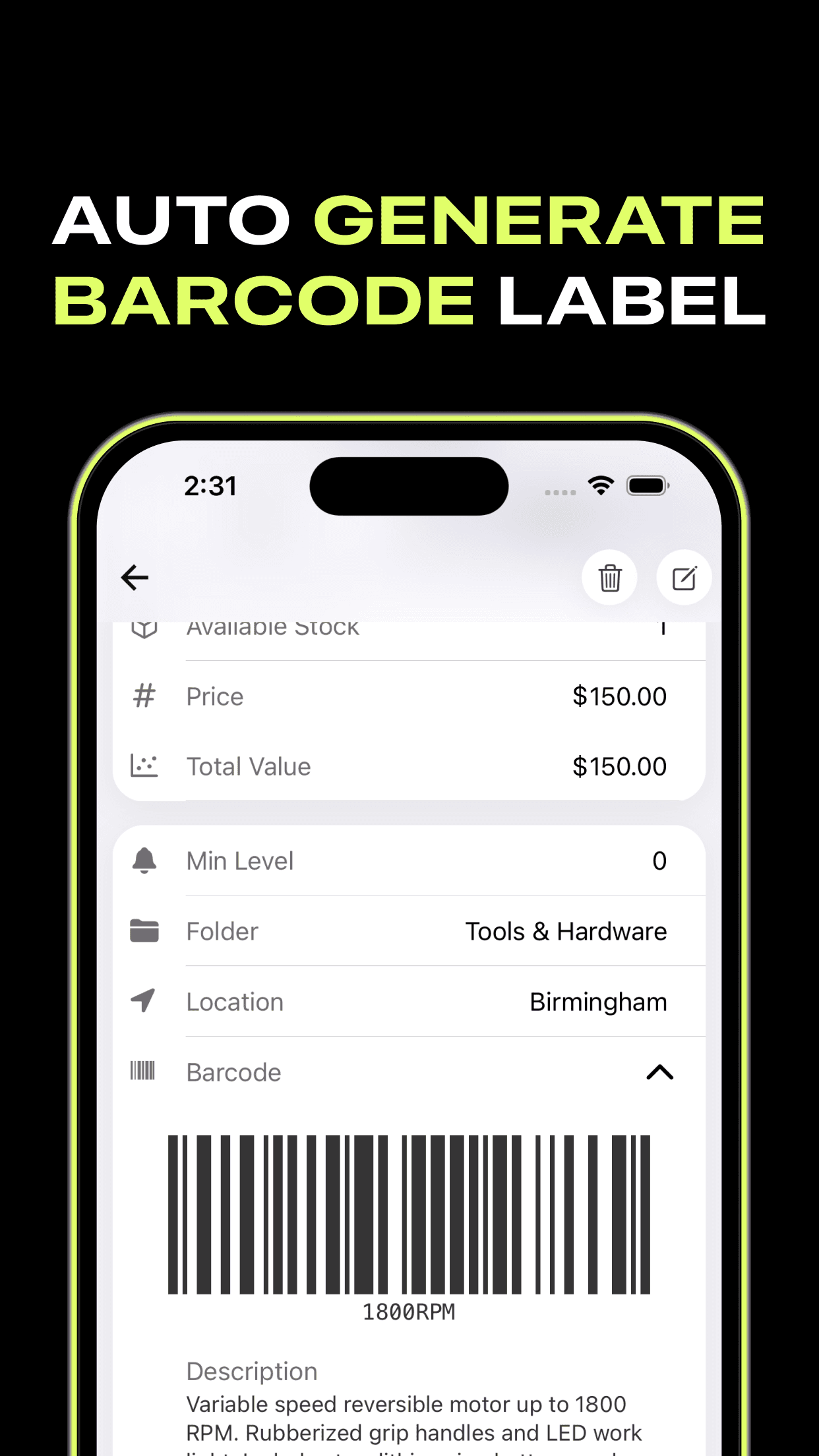
- Open the item and expand "Barcode". The code already exists; TRAIL made it when you added the item.
- Download the barcode. It saves as a clean image with the code number printed underneath.
- Print on label paper. Tile a few barcodes into a document and print on adhesive label sheets. A home printer is fine.
- Scan to recall. Scanning that label from now on opens the exact item: count, photo, price, history.
Labelling tips that save headaches
- Same corner, every box. Future you will find labels without rotating boxes.
- Label bins, not just items, for small goods. One scan surfaces the whole bin.
- Reprint, don't re-create. If a label rips, the barcode still lives on the item in TRAIL. Download it again.
Barcode your whole stockroom this week
Every item you add gets a free auto-generated barcode. TRAIL is free to download.
What about the scanning side?
Printed labels are half the system. The other half is the camera in your pocket, which reads these labels along with any retail UPC, EAN or QR code. The barcode inventory app guide covers that loop.
Frequently asked questions
Can I make barcodes for products that don't have one?
Yes. TRAIL creates a unique barcode for every item you add. It's meant for internal tracking of things like handmade goods, vintage items and storage bins.
What do I need to print barcode labels at home?
Any printer and a sheet of adhesive labels. Download the barcode from TRAIL, tile a few onto a page, print and peel. A label printer is convenient at volume but far from required.